Contributed by Ankur Goyal on 2024-01-29
In this example, we’ll build an app that automatically generates HTML components, evaluates them, and captures user feedback. We’ll use the feedback and evaluations to build up a dataset
that we’ll use as a basis for further improvements.
The generator
We’ll start by using a very simple prompt to generate HTML components usinggpt-3.5-turbo.
First, we’ll initialize an openai client and wrap it with Braintrust’s helper. This is a no-op until we start using
the client within code that is instrumented by Braintrust.
gpt-3.5-turbo. We’ll also do a few things that help us log & evaluate this function later:
- Wrap the execution in a
tracedcall, which will enable Braintrust to log the inputs and outputs of the function when we run it in production or in evals - Make its signature accept a single
inputvalue, which Braintrust’sEvalfunction expects - Use a
seedso that this test is reproduceable
Examples
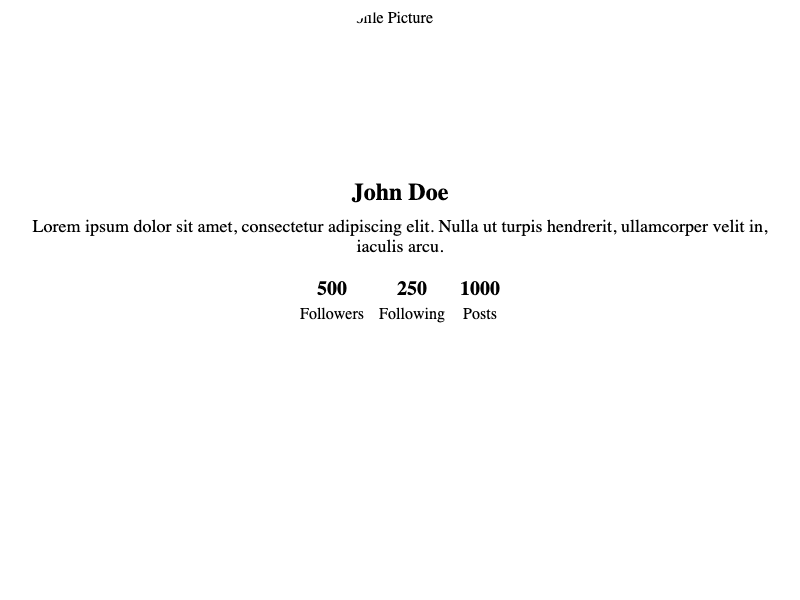
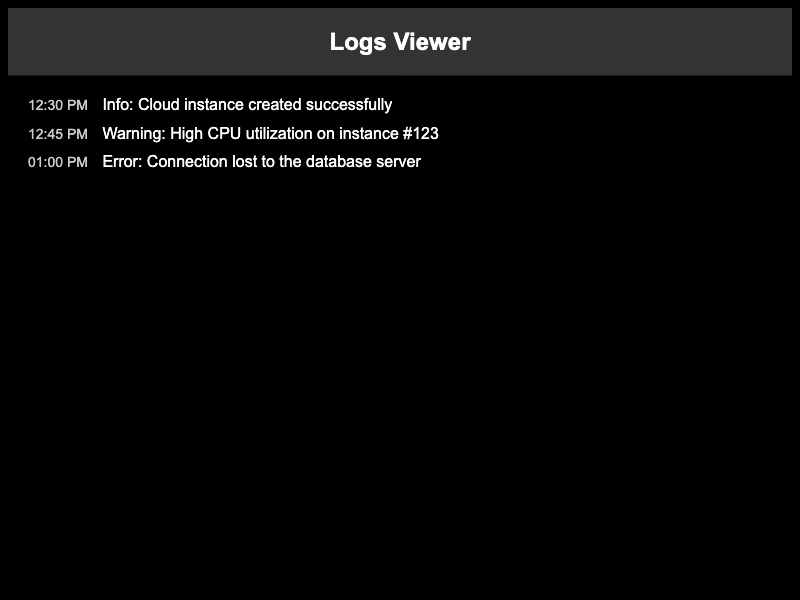
Let’s look at a few examples!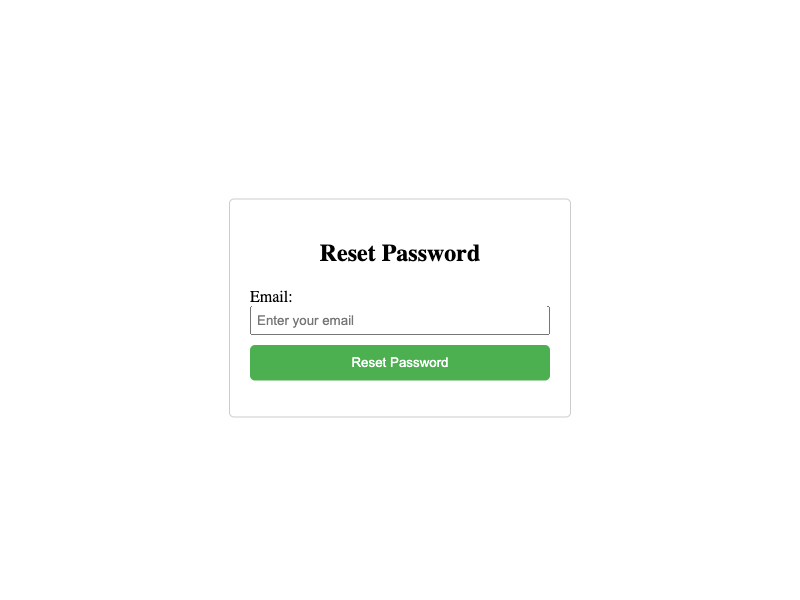
Scoring the results
It looks like in a few of these examples, the model is generating a full HTML page, instead of a component as we requested. This is something we can evaluate, to ensure that it does not happen!Logging results
To enable logging to Braintrust, we just need to initialize a logger. By default, a logger is automatically marked as the current, global logger, and once initialized will be picked up bytraced.
generateComponent function on a few examples, and see what the results look like in Braintrust.
Viewing the logs in Braintrust
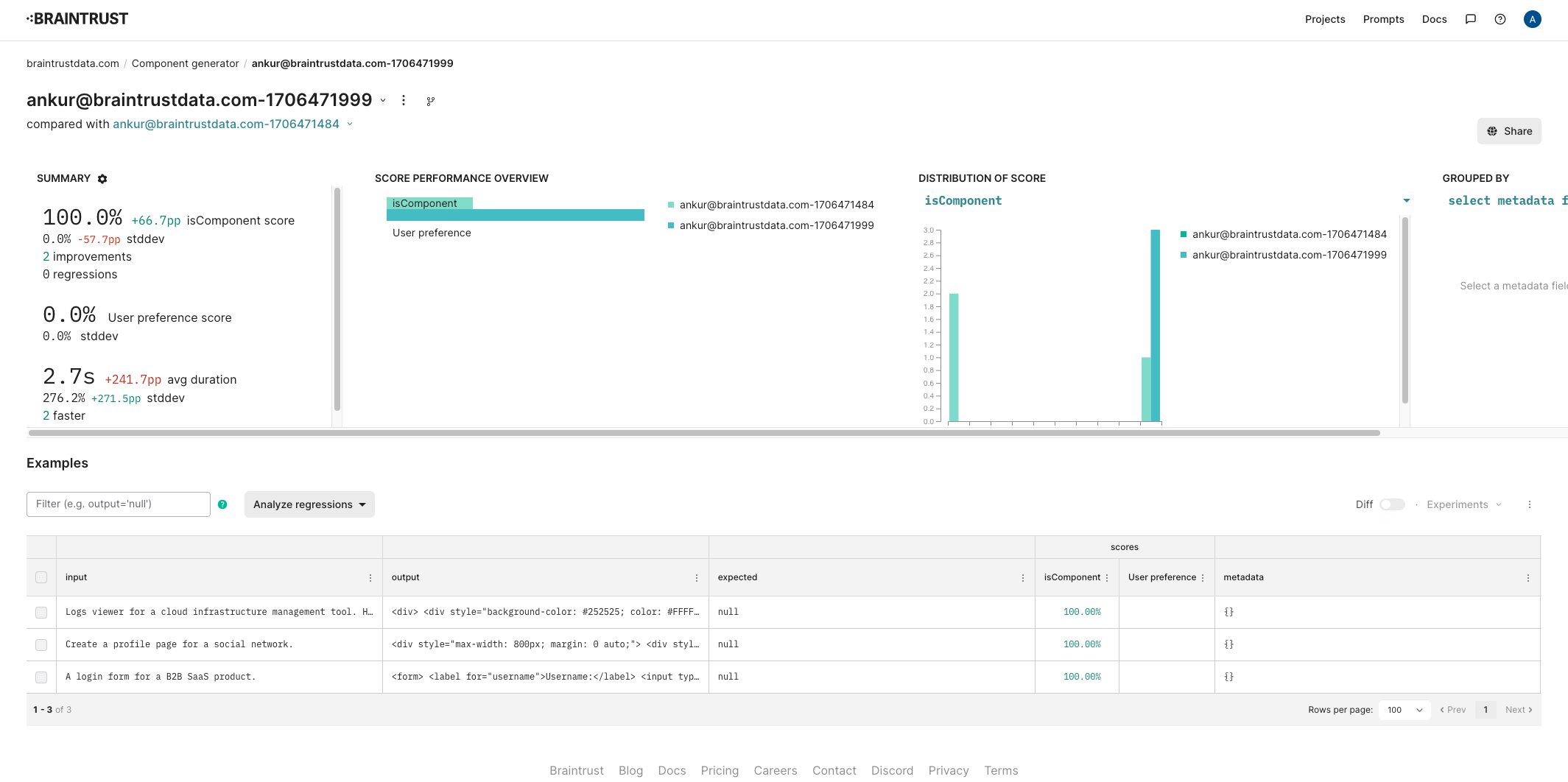
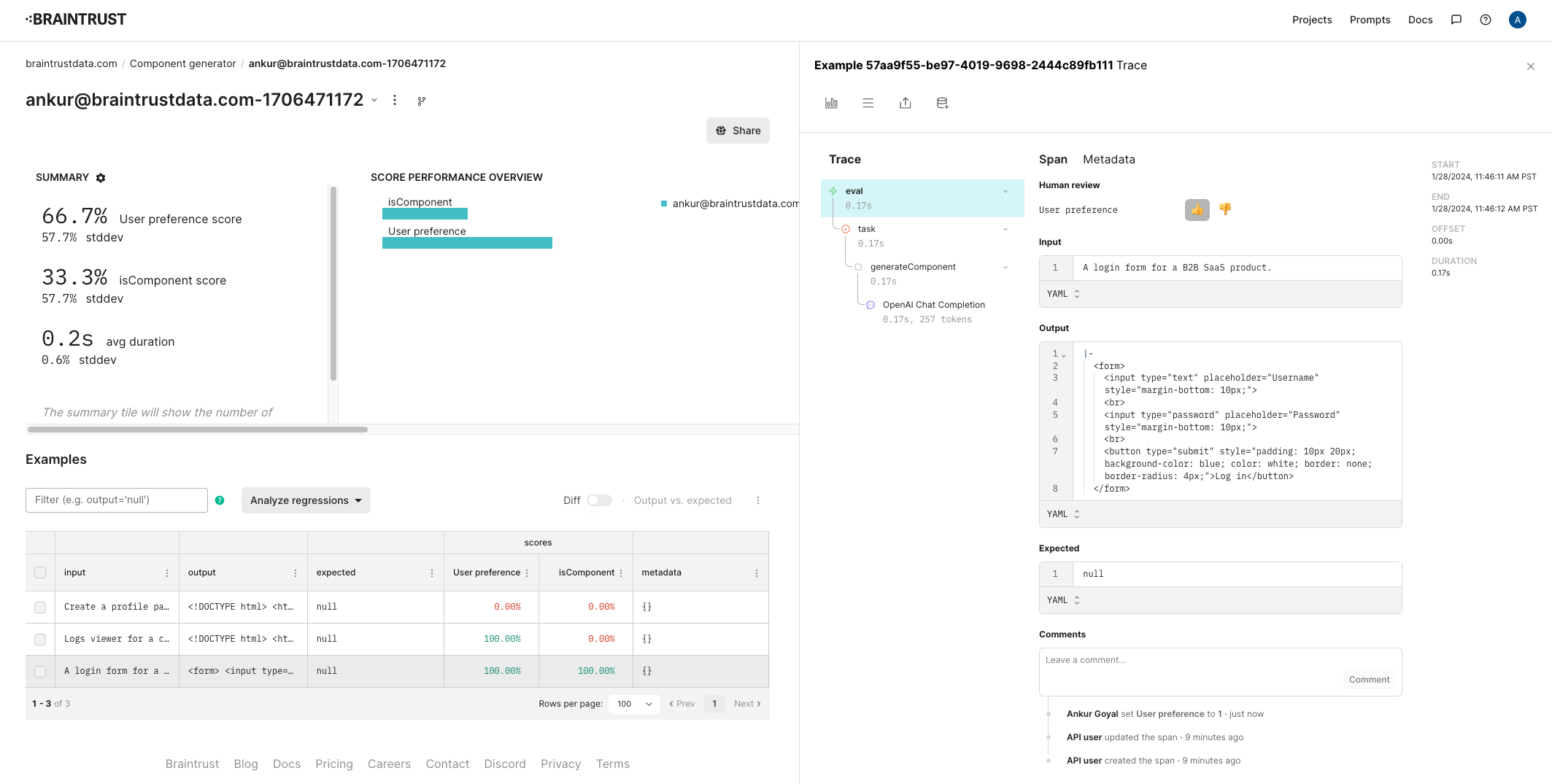
Once this runs, you should be able to see the raw inputs and outputs, along with their scores in the project.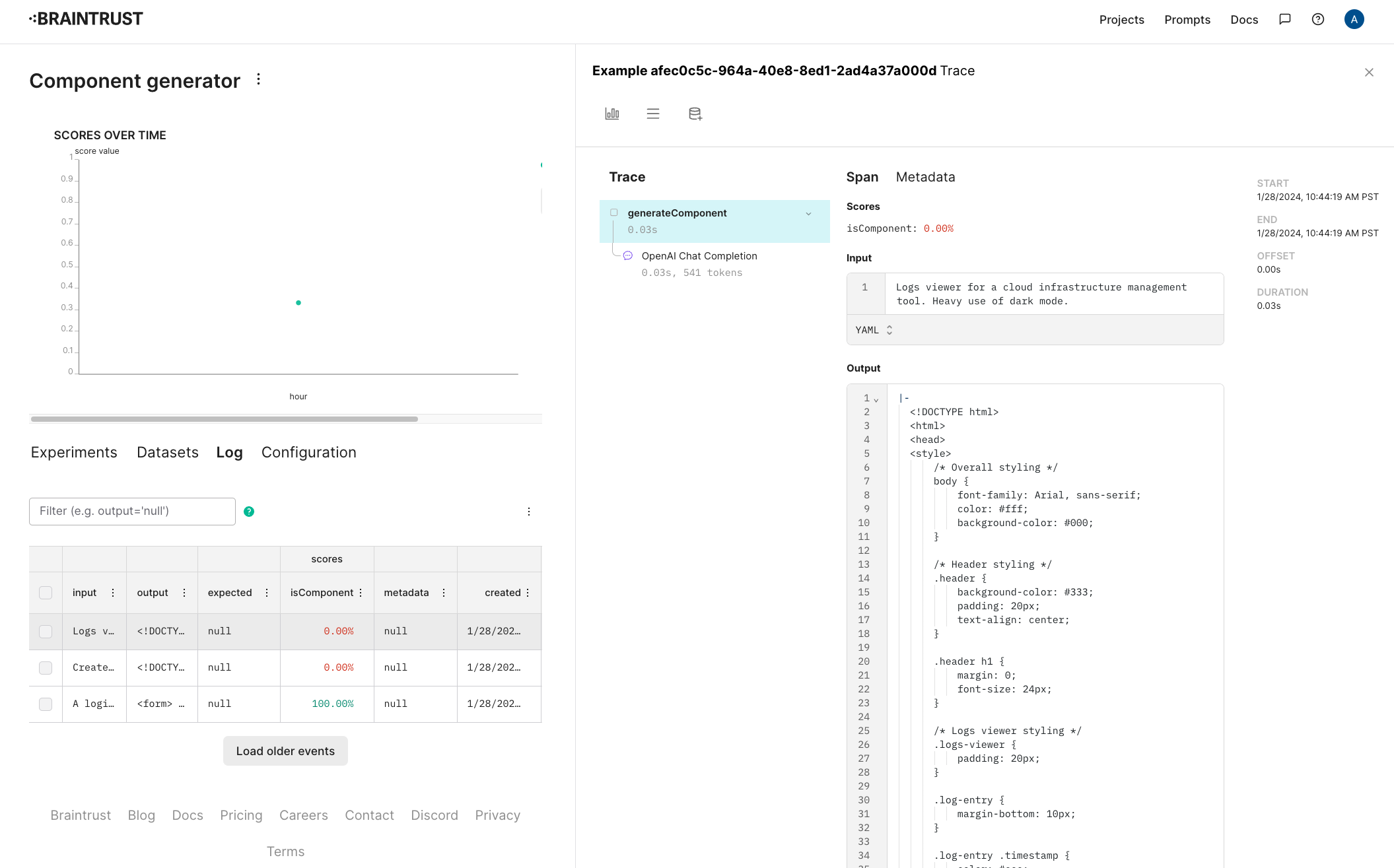
Capturing user feedback
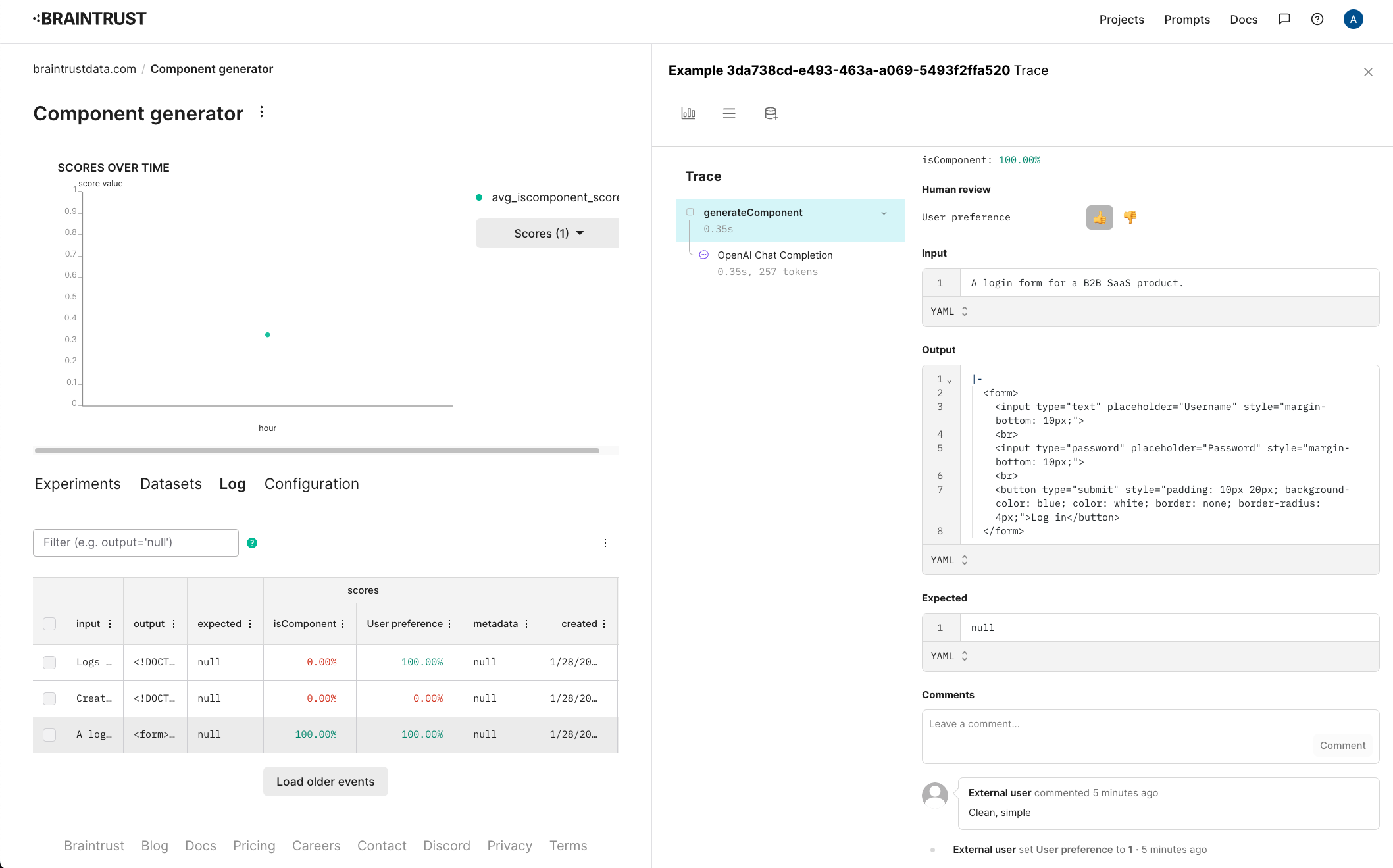
Let’s also track user ratings for these components. Separate from whether or not they’re formatted as HTML, it’ll be useful to track whether users like the design. To do this, configure a new score in the project. Let’s call it “User preference” and make it a 👍/👎.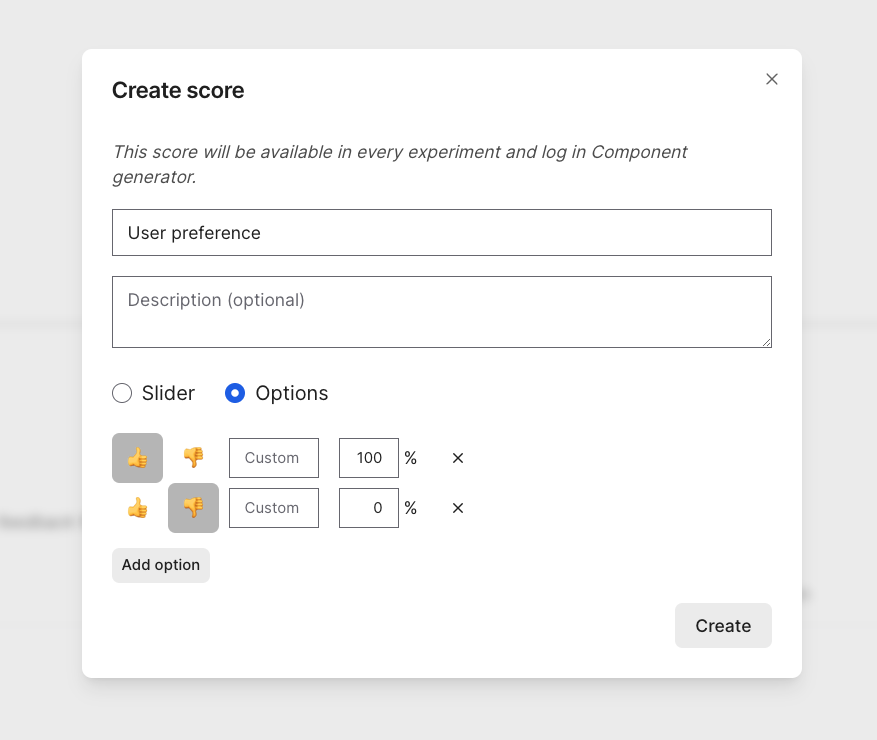
Creating a dataset
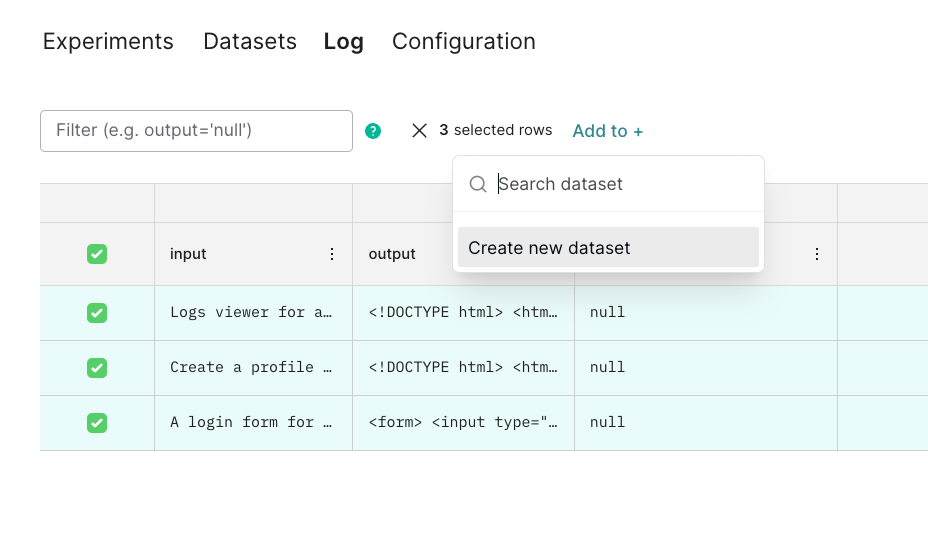
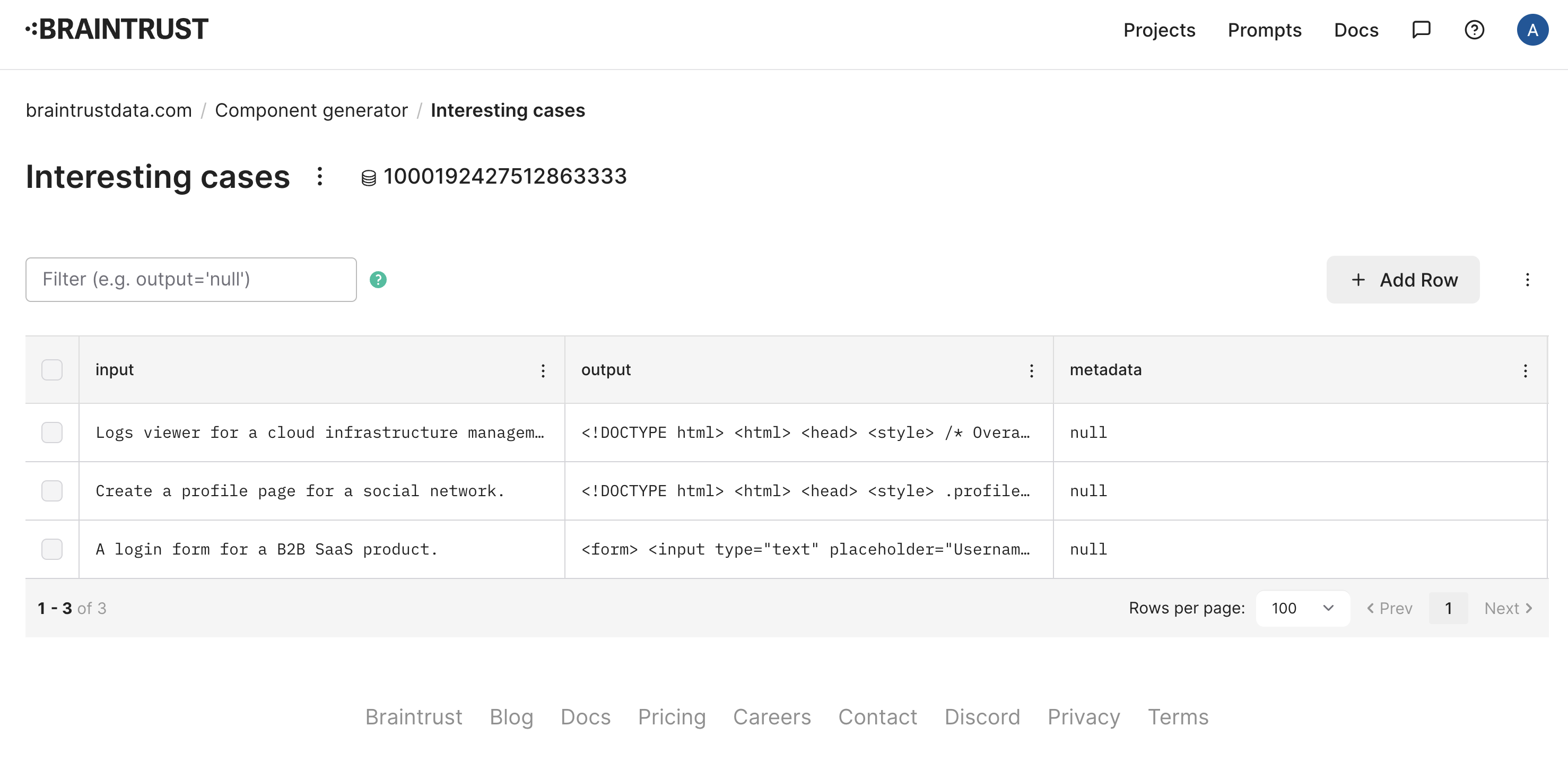
Now that we’ve collected some interesting examples from users, let’s collect them into a dataset, and see if we can improve theisComponent score.
In the Braintrust UI, select the examples, and add them to a new dataset called “Interesting cases”.
Evaluating
Now that we have a dataset, let’s evaluate theisComponent function on it. We’ll use the Eval function, which takes a dataset and a function, and evaluates the function on each example in the dataset.
Improving the prompt
Next, let’s try to tweak the prompt to stop rendering full HTML pages.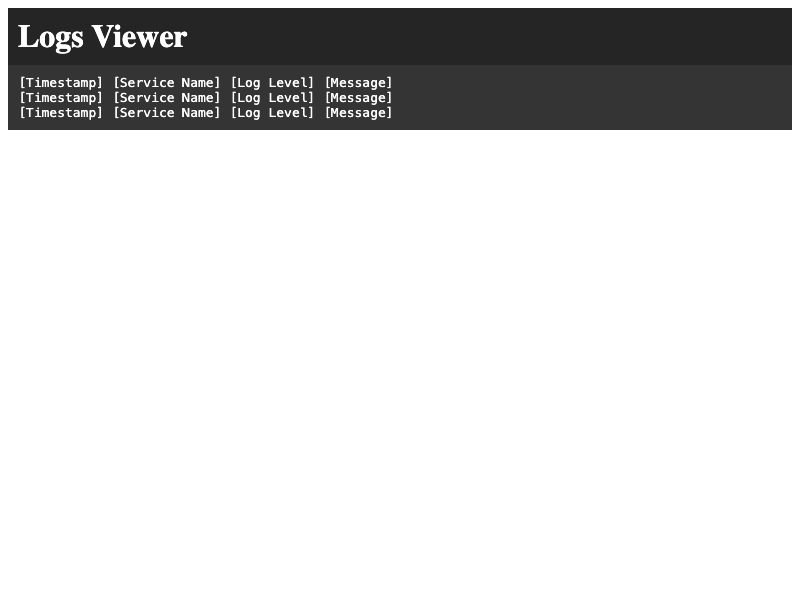
html tag. Let’s re-run the Eval (copy/pasted below for convenience).
<html> tag.